
Event Log Monitoring Utility
This utility will monitor your Event Log on Windows 10, Windows 11, and Windows Server and have it send you an email when specific types of events are added to the Event Log. You can configure it to monitor specific types of events so that you can sift through all the noise.
You can run it either as stand-alone or as a Windows Service.
REQUIREMENTS: Windows 10, Windows 11, or Windows Server, Requires Administrator rights to run
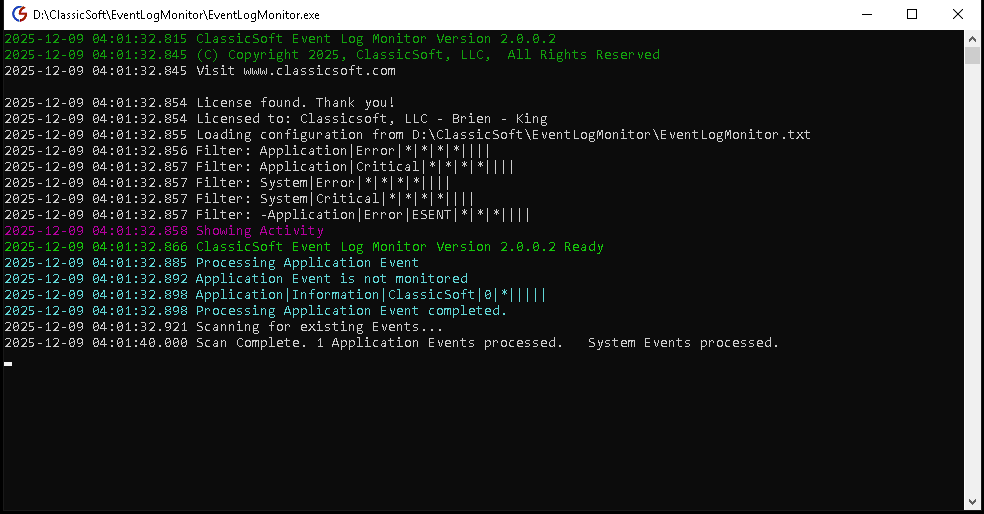
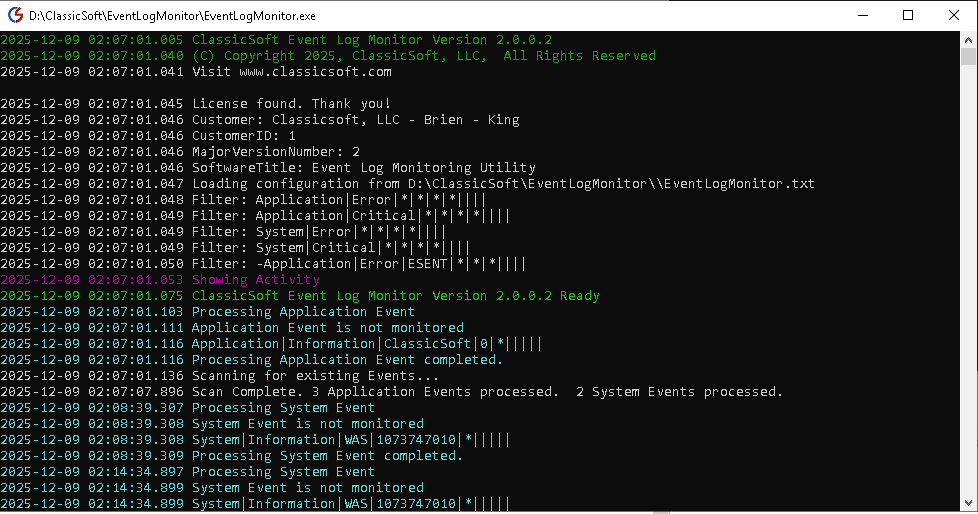
Monitors the Event Log for Application and System Events
You can setup filters to monitor specific events or filters to monitor all events. Filtering can be setup to filter based on a single criteria or multiple criteria. Additionally you can ignore specific events so that you can filter on more generic events but ignore unimportant events.
Has the ability to email multiple email addresses when an event is written
You can have all events sent to a single email address or multiple email addresses.
Software is Portable
All you need to do is copy the files to the computer you wish to monitor. The configuration of the utility is a text file in the same directory so it's easy to duplicate across multiple systems.
Send Log information to an API Endpoint
You can POST the log event information to an endpoint. The information is in Json format so it's easy to parse.
Anti-SPAM mode
The Anti-SPAM mode limits the number of events that are emailed or posted to the API. You can set how long it is between duplicate events before you send another message.
Can be run as either a Service or as stand-alone Application
The application is designed to be run either as a service or as a stand-alone Application. Running it as a stand-alone application allows you to view the activity as it is happening. If you run it as a service, it will always be running even after a reboot which is useful for catching boot errors or BSOD type errors.
You can override who to Email on a filter by filter basis.
Some events you might want to email different people. Web server events might be emailed to a developer, Database events might go to a DBA. Server errors could go to a specific IT person.
Attach files to Email Notifications based on the filter
You can attach files to email notifications based on specific events. This is useful if you want to include additional information with the event, such as instructions on what to do about a particular event.
Execute an Application based on an Event
You can execute an application based on an event. For example, you could create a batch file to stop and restart a service based on a given event.
Extremely low CPU and Memory usage
The Application uses very little CPU time because it waits for an event to happen before it does anything. The Memory usage is around 30MB.
Searches existing entries at startup
When first run, the application will search the event logs for any entries that match the filtering. The application keeps track of the last entries it searched and will prevent duplicate messages from being sent.
Downloads
EventLogMonitorV2_0_0_3.zip
Version 2.0.0.3
31.44 MB
REQUIREMENTS: Windows 10, Windows 11, or Windows Server, Requires Administrator rights to run
TestEndPointExample.zip
Version 2.0.0.3
2.67 KB
REQUIREMENTS: Windows 10, Windows 11, or Windows Server, Requires Administrator rights to run